SDR Learning Project
SDR Learning Project
A hands-on C-based software-defined radio learning project built around rtl-sdr and raylib. This project explores capturing, demodulating, and visualizing real radio signals from an RTL-SDR USB dongle.
Overview
This is a learning project for working with RTL-SDR devices, I/Q sample interpretation, signal demodulation, and visualization. It demonstrates building a complete signal processing pipeline from hardware capture through audio output with live real-time visualization.
Features
- Device Control — RTL-SDR device discovery, USB configuration, center frequency and sample rate tuning
- Demodulation — FM and AM demodulation from incoming I/Q sample streams
- Signal Processing Pipeline — Decimation (boxcar or FIR), deemphasis filtering, FFT analysis
- Real-time Audio Output — Demodulated audio streamed to system speakers
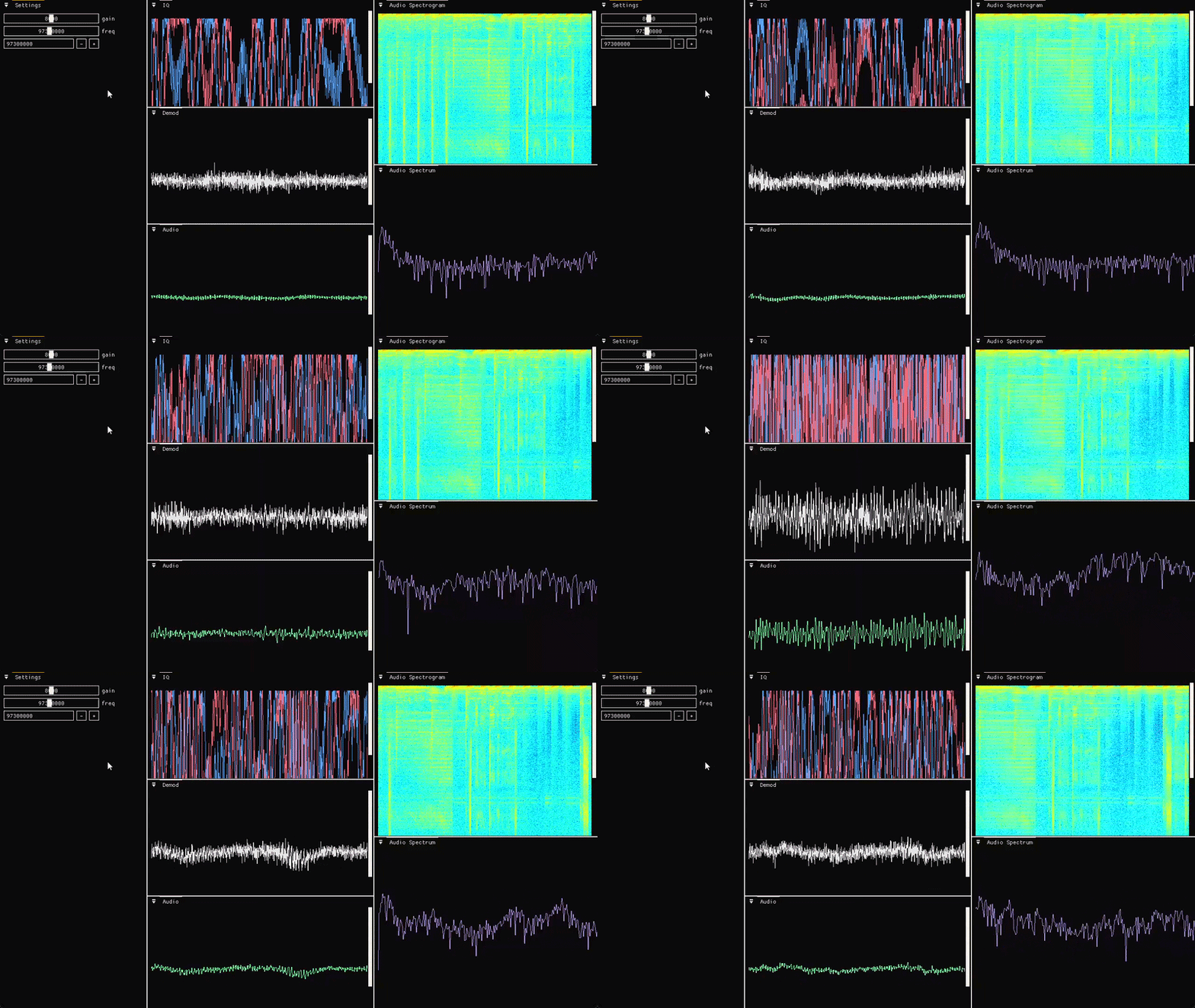
- Live Visualization — I/Q samples, demodulated waveforms, and frequency spectrum display
- Interactive GUI — Dear ImGui interface for tuning parameters (center frequency, gain, demod mode)
- Spectrum Analysis — Windowed FFT with Hann windowing and averaging for smooth spectrograms
Signal Chain
RTL-SDR Device
    ↓ (I/Q samples)
 Demodulation (FM/AM)
    ↓
 Decimation (FIR or boxcar)
    ↓
 Deemphasis Filter (if enabled)
    ↓
 Audio Output + Spectrum Analysis
    ↓
 Visualization (waveform + spectrogram)
Technical Components
- Core (
core.c/.h) — Device management, I/Q reading, frequency control - DSP (
dsp.c/.h) — Demodulation, windowing, FIR/biquad filters, decimation - FFT (
fft.c/.h) — Radix-2 FFT and IFFT with bit-reversal - Visualization (
visualization*.c/.h) — Raylib plotting and heatmap rendering - UI (
main.c) — Dear ImGui GUI with docking, real-time control
Build & Run
From the project root:
cmake -S . -B build
cmake --build build
.\build\Debug\dsp.exe
Requirements:
- RTL-SDR device connected and recognized by the system
- On Windows, WinUSB driver installed via Zadig if needed
- Vendored sources (raylib, rtl-sdr, Dear ImGui) included in the repository
Tuning & Configuration
The GUI lets you adjust:
- Center frequency — Tune to any frequency your RTL-SDR supports (typically 24 MHz – 1.766 GHz)
- Audio gain — Control demodulated signal level
- Demodulator — Switch between FM and AM
- Decimation — Reduce sample rate before audio output
- Spectrum options — Enable/disable windowing and averaging